GCU DAY OF GIVING AMBASSADORS
MOVE YOUR PURPOSE FORWARD!
Be a part of GCU's annual Day of Giving on Thursday, Oct. 22! Here’s everything you need to know about serving as a Day of Giving Ambassador.
On GCU’s Day of Giving, the entire university community will come together to empower students, campus activities, and colleges. As a GCU Day of Giving Ambassador, you have an opportunity to inspire support across areas that are meaningful to you.
WHAT IS A GCU DAY OF GIVING AMBASSADOR?
Ambassadors help spread the word about GCU’s Day of Giving and encourage support by reaching out to friends, family and peers in their own personal networks via social media, text and/or email. As an ambassador, you will help garner support for the program most important to you at GCU. Giving will officially launch at midnight on Thursday, Oct. 22, but the website will be open for early giving starting Tuesday, Sept. 1.
HOW DO I BECOME A DAY OF GIVING AMBASSADOR?
Sign up anytime! We will have one of our team contact you for your t-shirt size and send you a personalized tracking link to share on the Day of Giving.
I AM INTERESTED IN BECOMING AN AMBASSADOR, SO WHAT DO I DO ON GCU'S DAY OF GIVING?
There are many ways to participate in #GCUGives as an Ambassador. Here's how to join in:
- Use your personal link to inspire friends and family to make a gift to GCU. Ambassador links allow you to spread the word and help the GCU Day of Giving team keep track of donations that you bring in. We will email your personal tracking link shortly before GCU’s Day of Giving. There is a prize for the Ambassador with the highest dollar amount raised and also for the Ambassador with the most donors to their cause.
- Encourage your network to support your favorite fund and keep track of the day’s success on the leaderboard. Visit the leaderboard tab to keep track throughout the day.
- Post on social media using #GCUGives. Using this hashtag will showcase your support in combination with all the other wonderful Ambassadors and supporters who are participating.
HOW WILL I RECEIVE MY MATERIALS?
You can download your Ambassador Toolkit below, which includes everything you need to participate in Day of Giving, including sample language, graphics, posting guidance, and FAQs. You can also find additional sample language and frequently asked questions in the dropdown section directly below.
Throughout the campaign, you’ll receive weekly Ambassador emails with reminders about when to post, upcoming Day of Giving information, and important details such as T-shirt pickup times and other event updates.
SOCIAL MEDIA GRAPHICS
Your Ambassador graphics are ready to download! We’ve created a variety of graphics specifically for our Day of Giving Ambassadors, with sizes optimized for Facebook, Instagram Feed, Instagram Stories, website banners, and more.
Simply scroll below the Ambassador Toolkit section to find all of the available graphics and download them directly to your device. We’ve made it easy to find the right size for wherever you’re sharing!
Pair these graphics with the sample language and posting guidance in your Ambassador Toolkit, and you’ll be ready to spread the word and help make Day of Giving a success!
Thanks so much for joining the entire GCU community on Oct. 22, 2026 to help inspire support!
For questions, please contact [email protected].
Your Ambassador Toolkit
Everything you need to rally your network for GCU's Day of Giving on Oct. 22, 2026. Open a category below to find graphics sized for each platform. Every file downloads at full resolution.
Pair your graphic with your personal ambassador link and the hashtag so your post shows up with the rest of the Lope community.
#GCUGives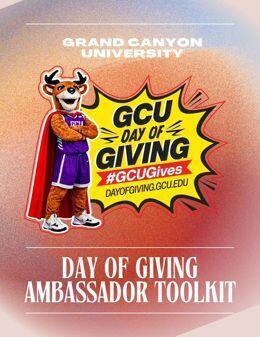
Read the full Ambassador Toolkit
Your step-by-step guide to Day of Giving: a texting schedule, email and letter templates, sample social posts, a voicemail script, sharing tips and FAQs.
Graphics to share
Best for: Facebook, Instagram, LinkedIn and X feed posts. Square graphics display without cropping on every major platform.
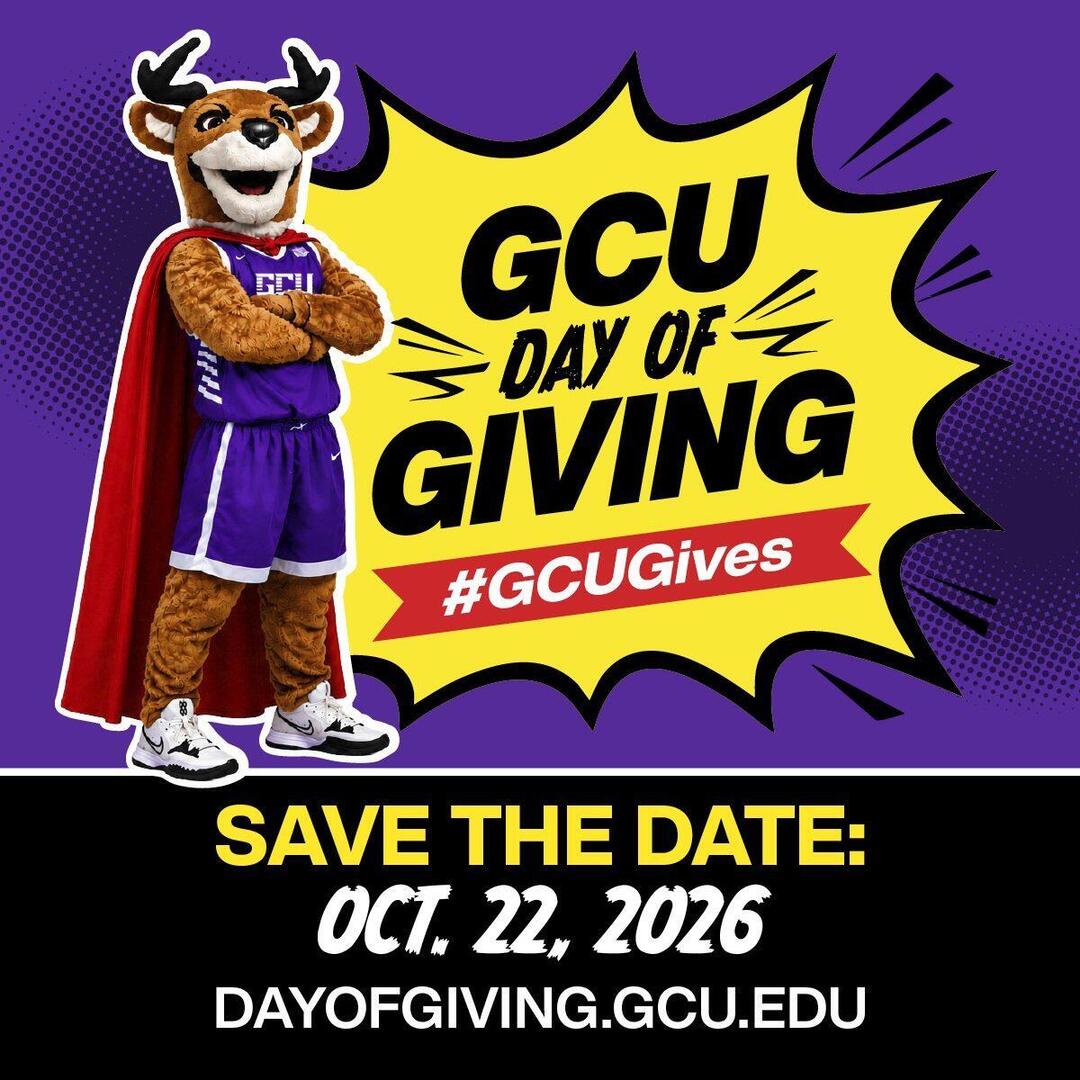
Facebook Post
1200 × 1200 px
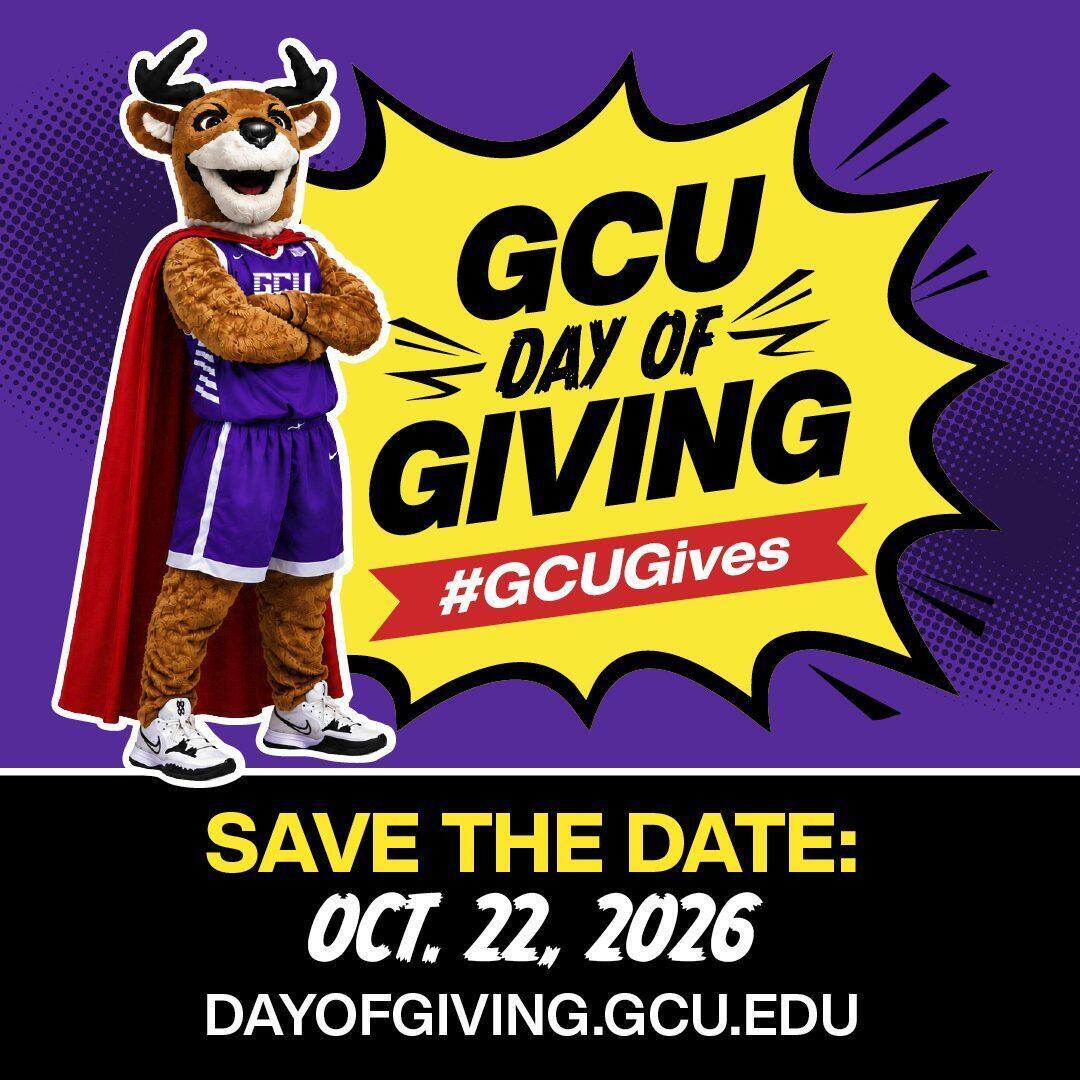
Instagram Square Post
1080 × 1080 px
X & LinkedIn Post
806 × 806 px
Best for: Instagram and Facebook Stories, plus portrait feed posts that take up more of the screen on mobile.
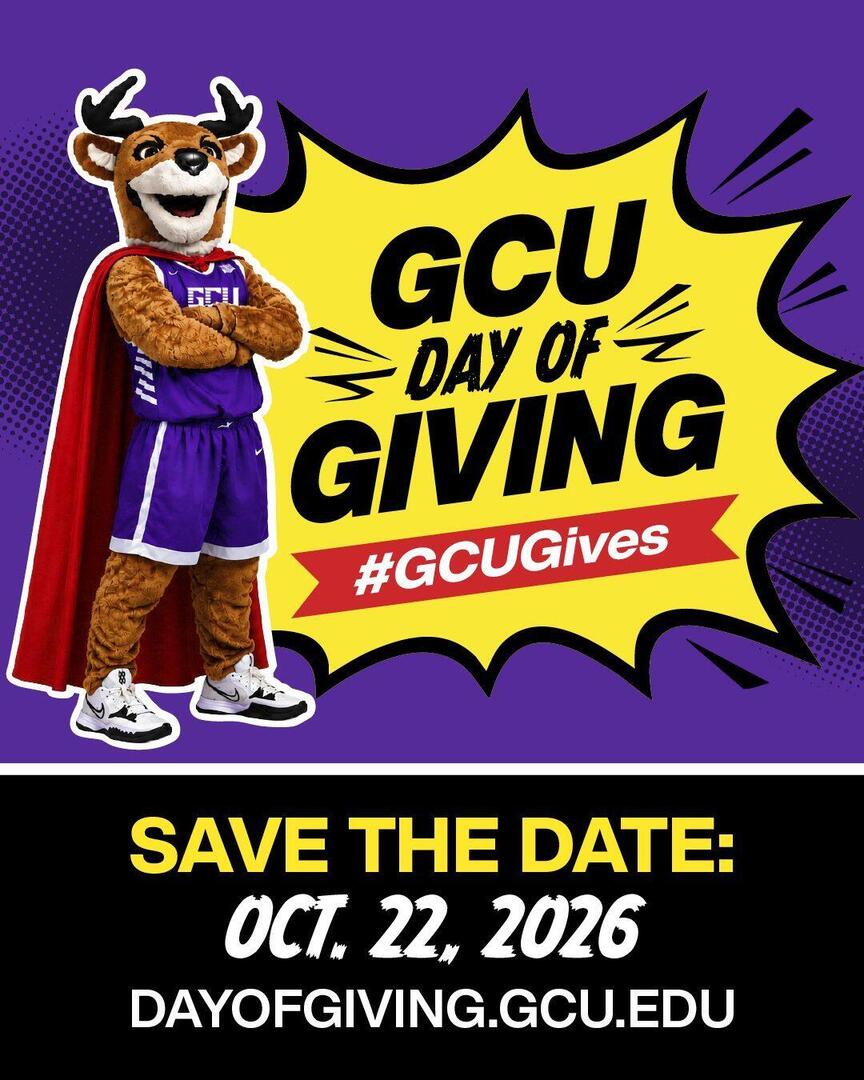
Instagram Portrait Post
1080 × 1350 px
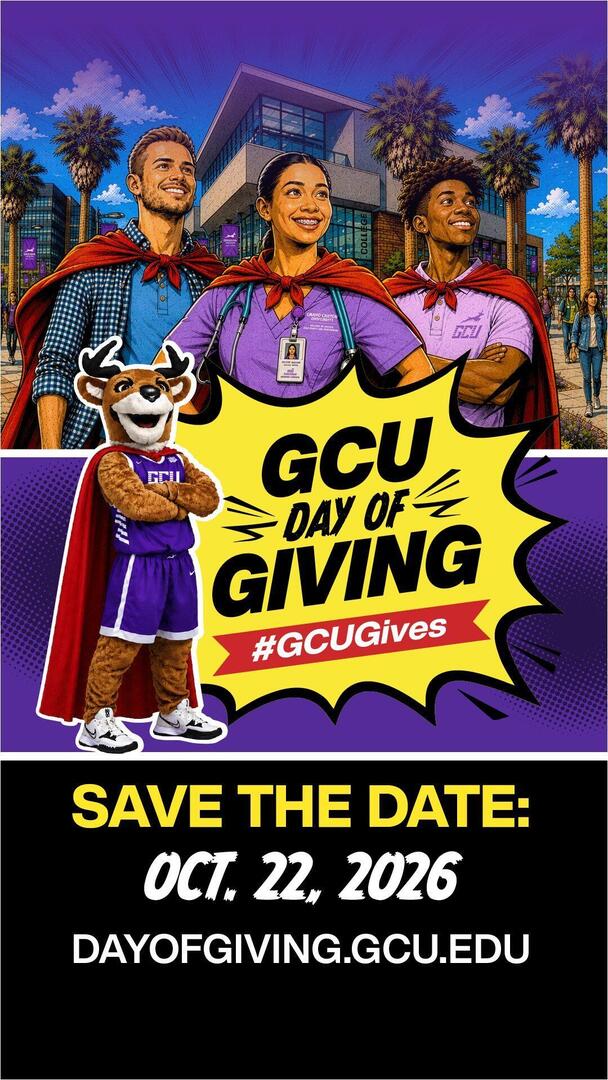
Instagram & Facebook Story
1080 × 1920 px
Best for: wide feed posts on Facebook, LinkedIn and X, and your X profile header.
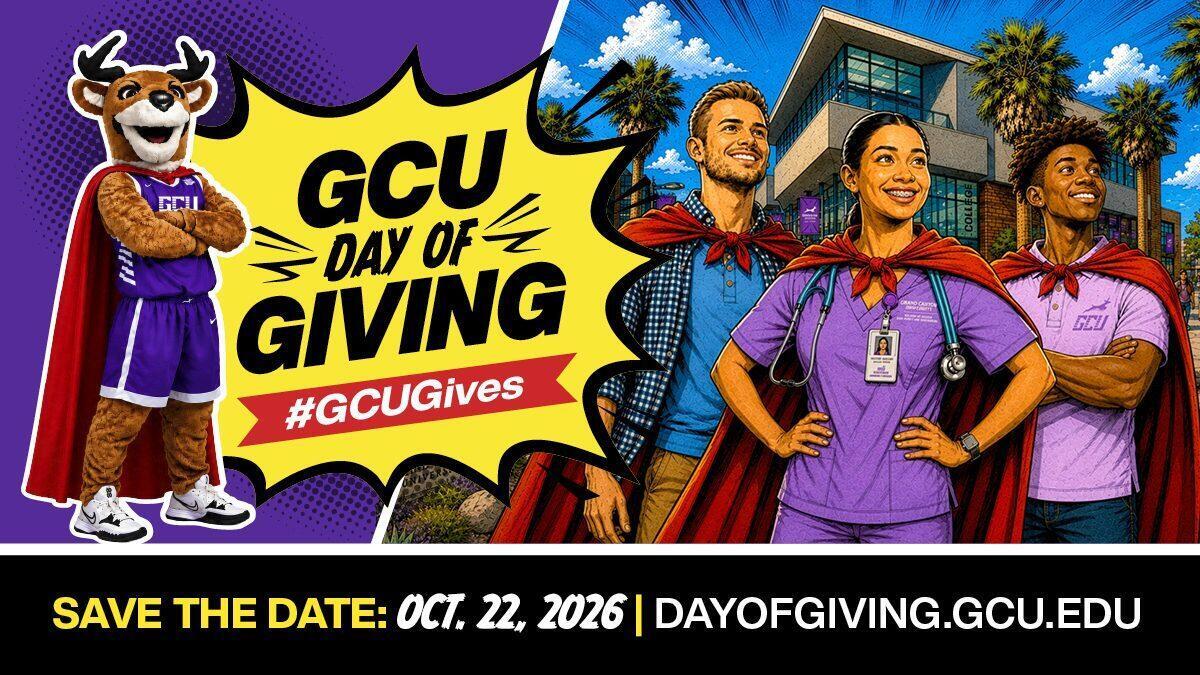
Landscape Feed Post
1200 × 675 px
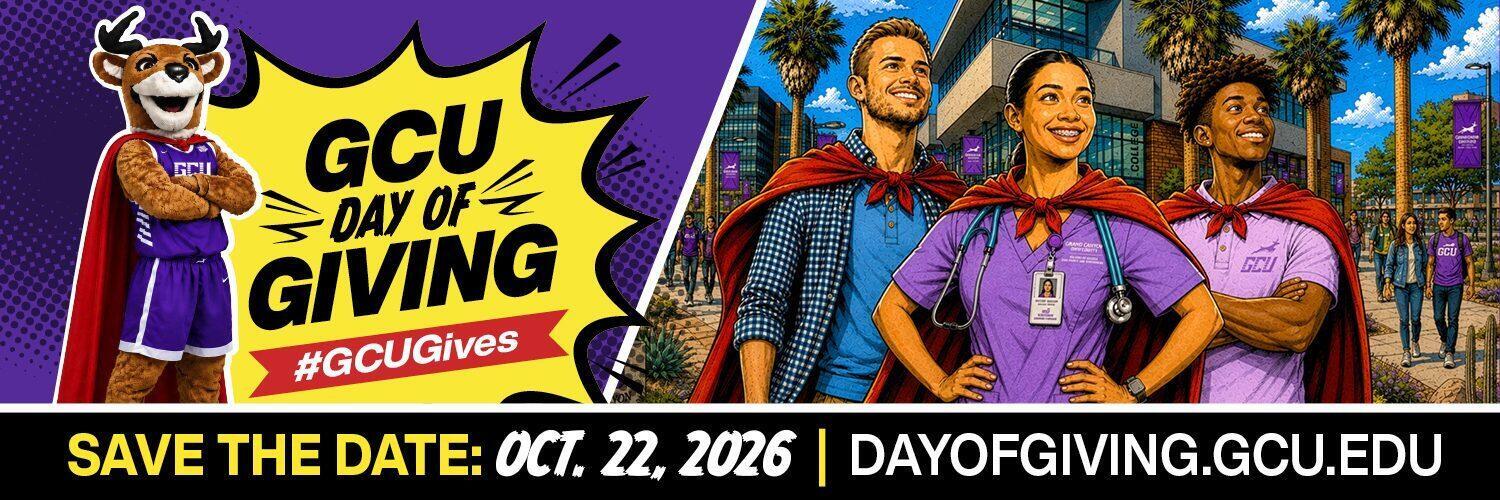
X (Twitter) Header
1500 × 500 px
Best for: Microsoft Teams, Zoom and Google Meet calls, or any 16:9 screen or display.
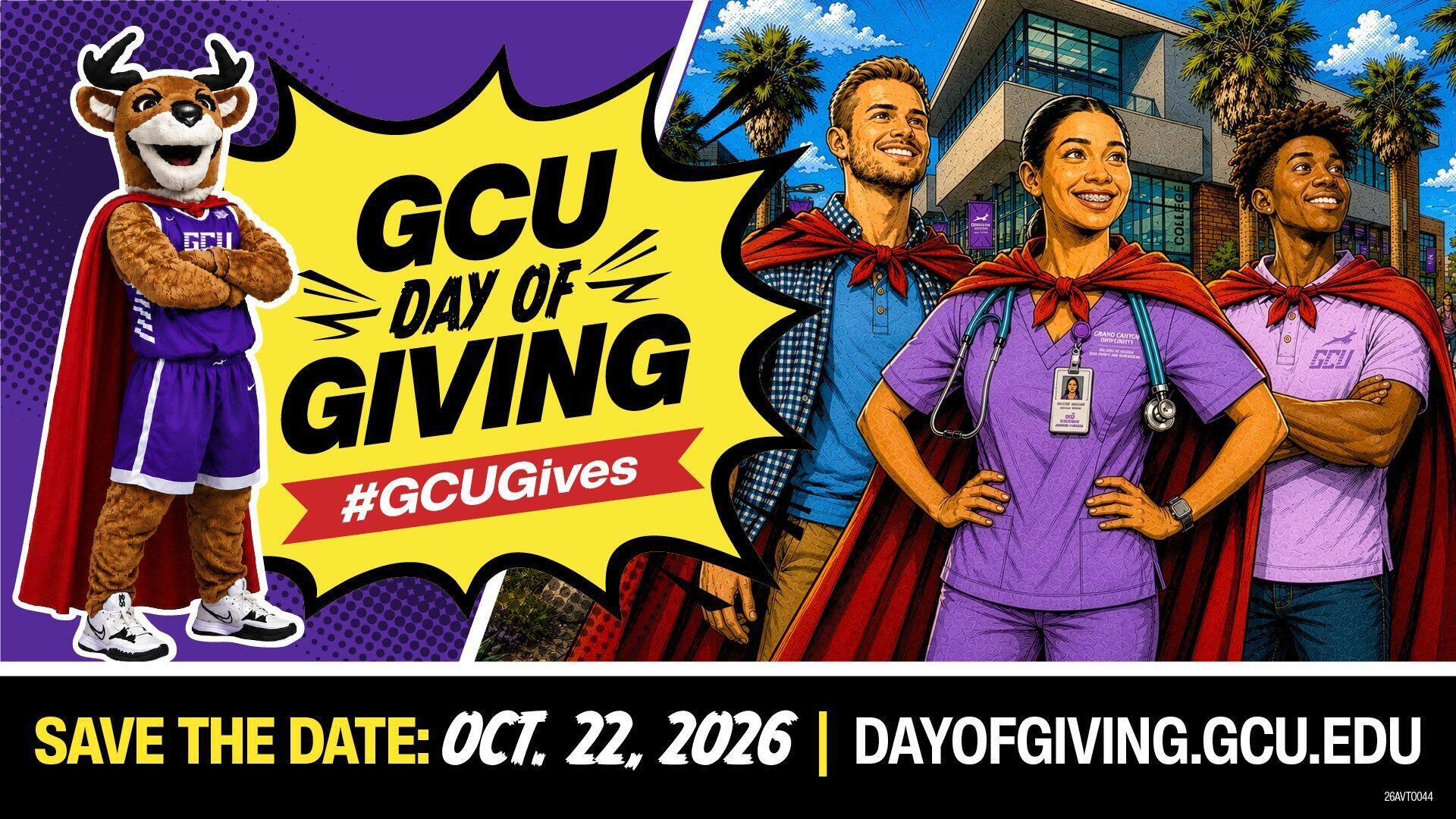
Teams & Zoom Background
1920 × 1080 px
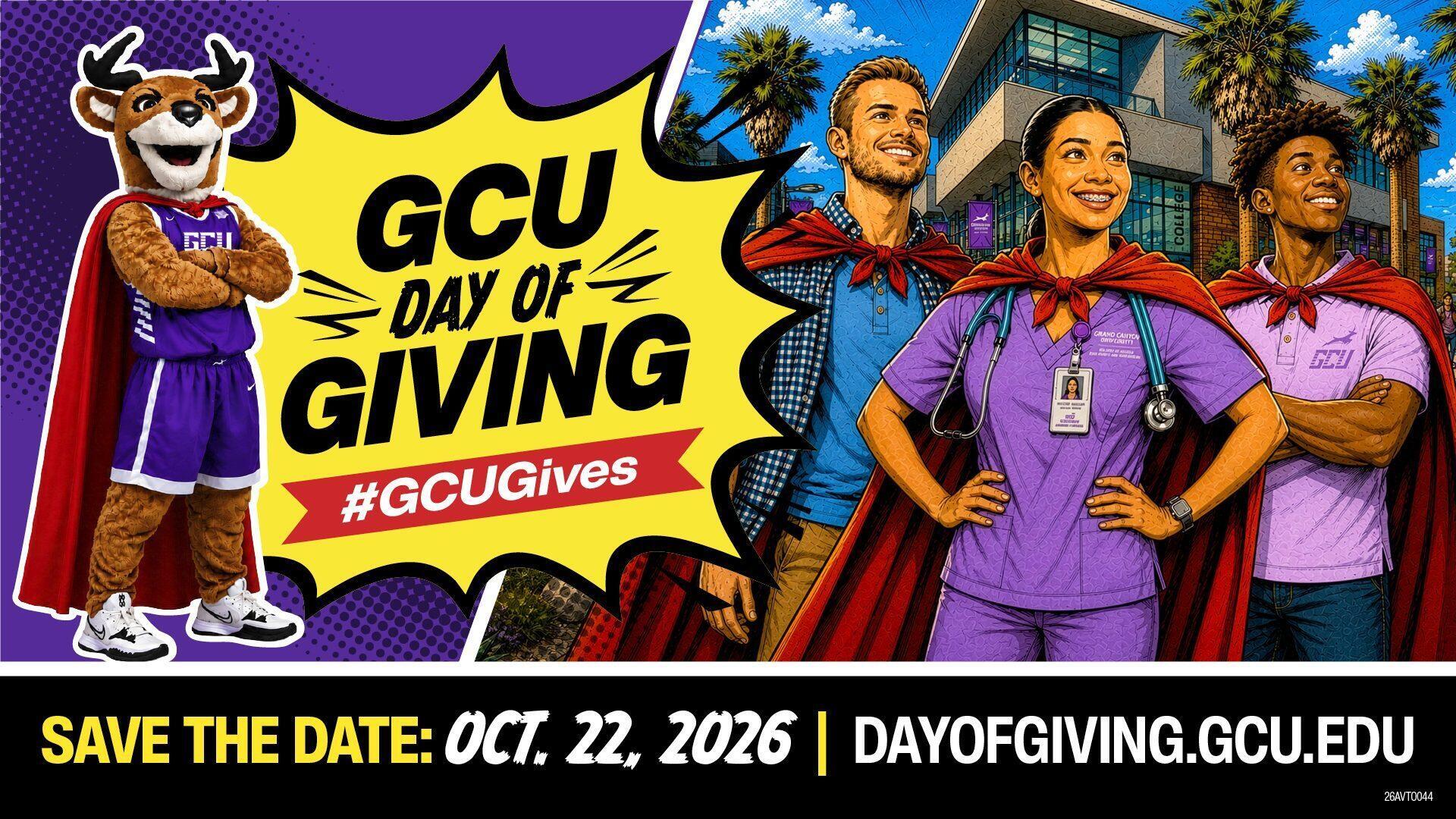
Widescreen Display
1920 × 1080 px
Best for: the top of an email or newsletter, a blog or website, or a church, club or company bulletin. Pick the width that fits your layout.
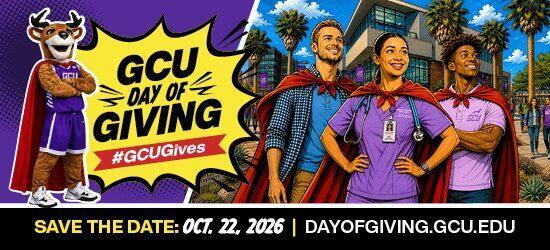
Email Header
550 × 250 px
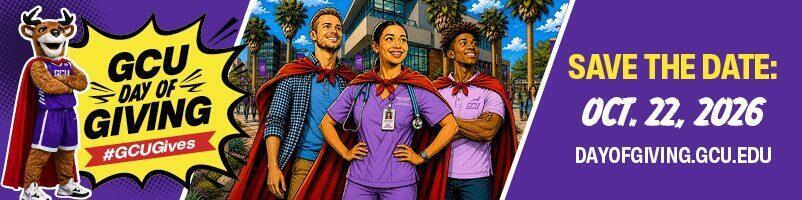
Wide Banner
802 × 200 px

Web Banner – Extra Large
1400 × 400 px
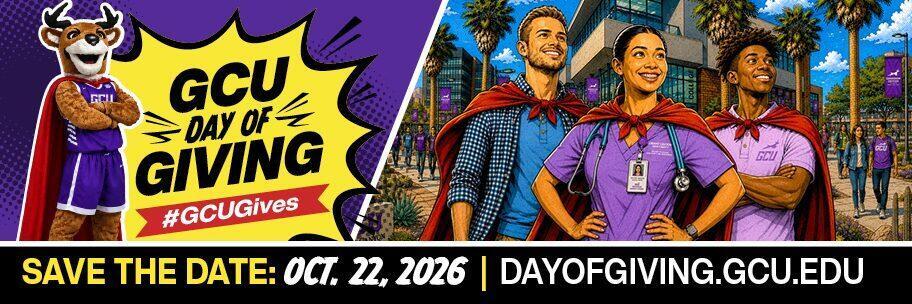
Web Banner – Large
912 × 304 px
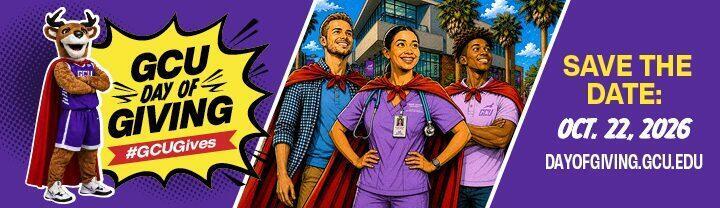
Web Banner – Medium
720 × 208 px
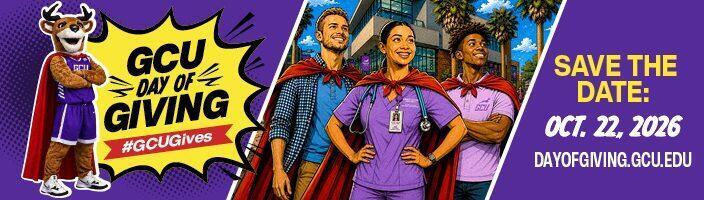
Web Banner – Standard
704 × 200 px
Web Banner – Small
336 × 160 px
Best for: Instagram, Facebook and LinkedIn feed posts.
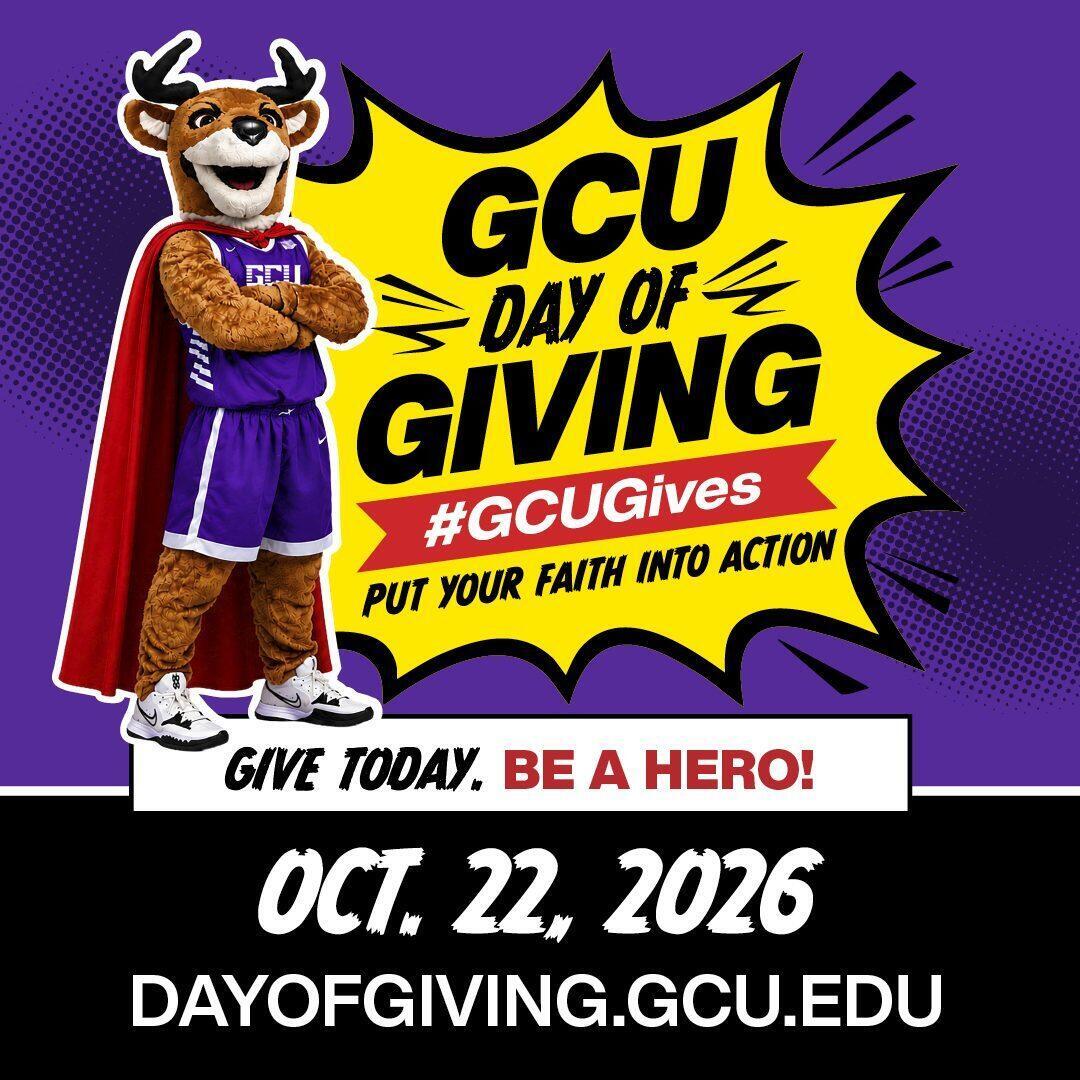
Instagram Square Post
1080 × 1080 px
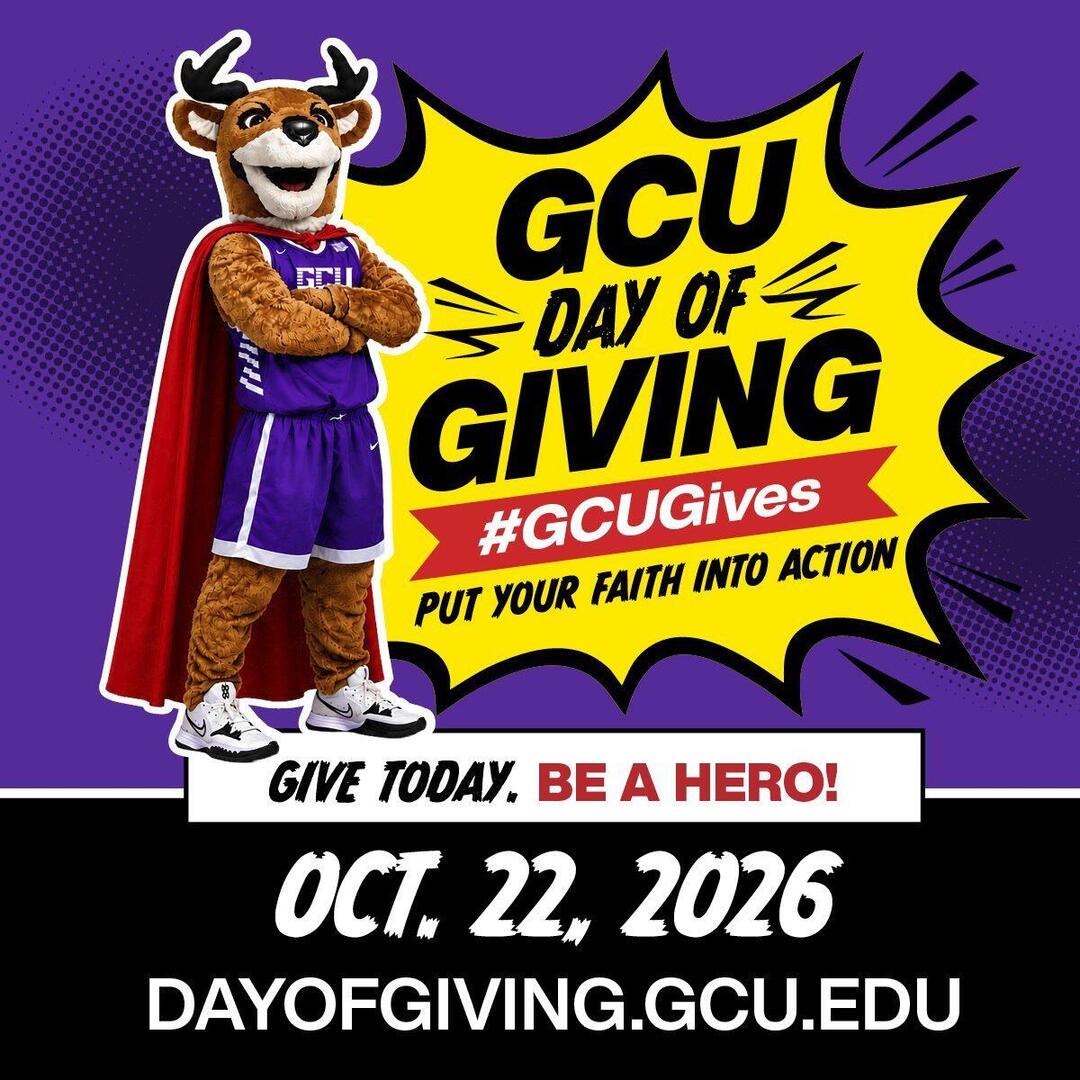
Facebook & LinkedIn Square Post
1200 × 1200 px
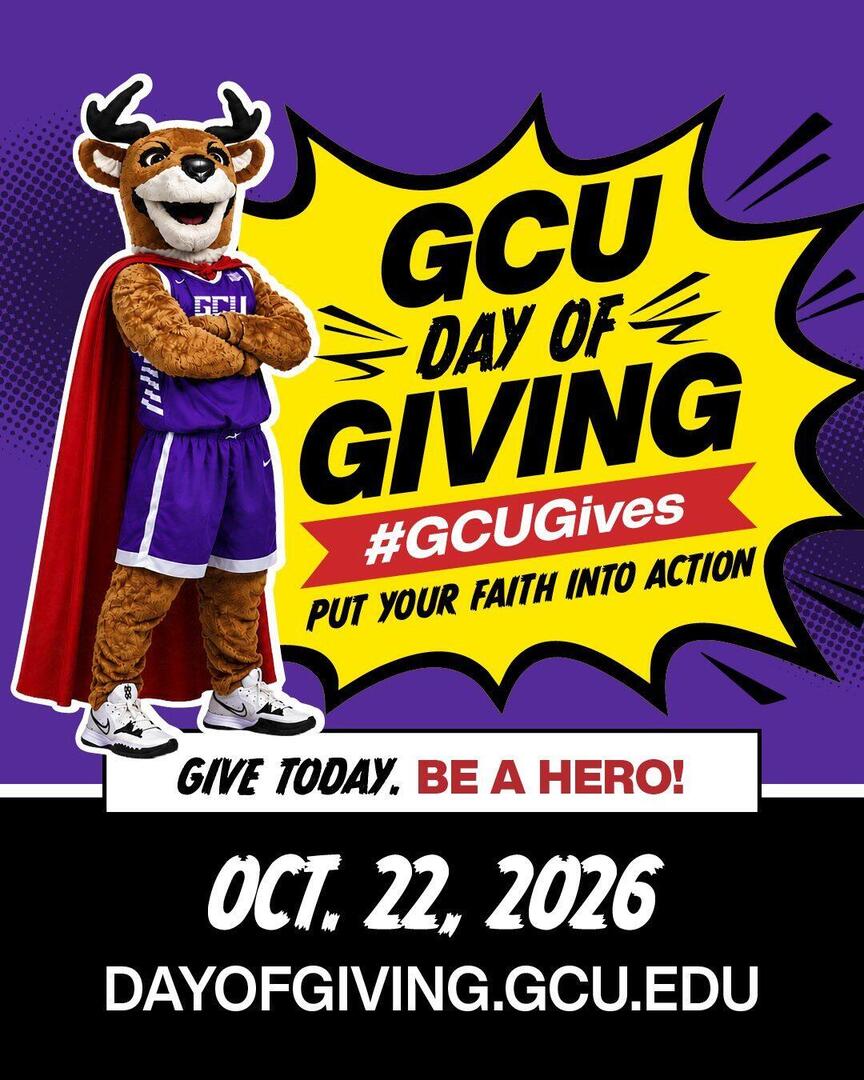
Instagram Portrait Post
1080 × 1350 px
Best for: Instagram and Facebook Stories, Snapchat, TikTok and Reels. Post these on Oct. 22 so they're live during the 24 hours.
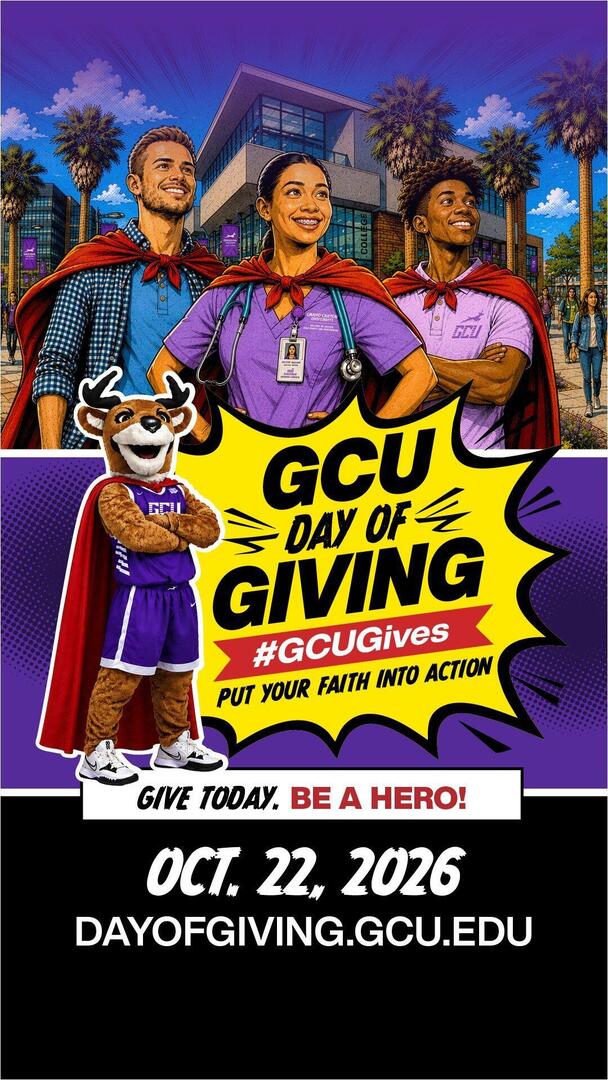
Instagram & Facebook Story
1080 × 1920 px
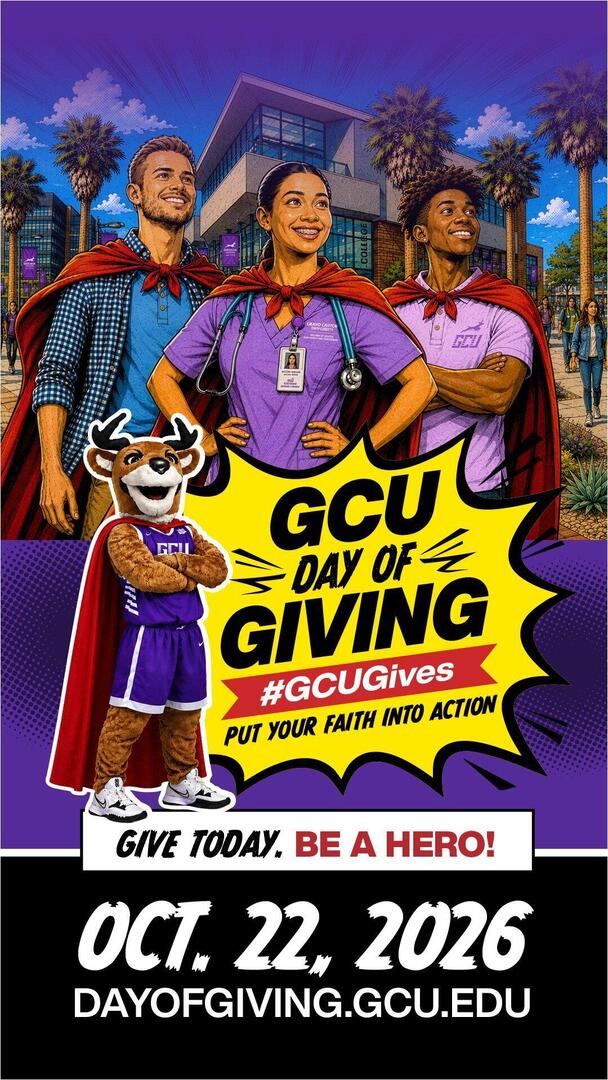
Full-Screen Story (Snapchat, TikTok, Reels)
1080 × 1920 px
Best for: link posts and wide feed posts on Facebook, LinkedIn and X.
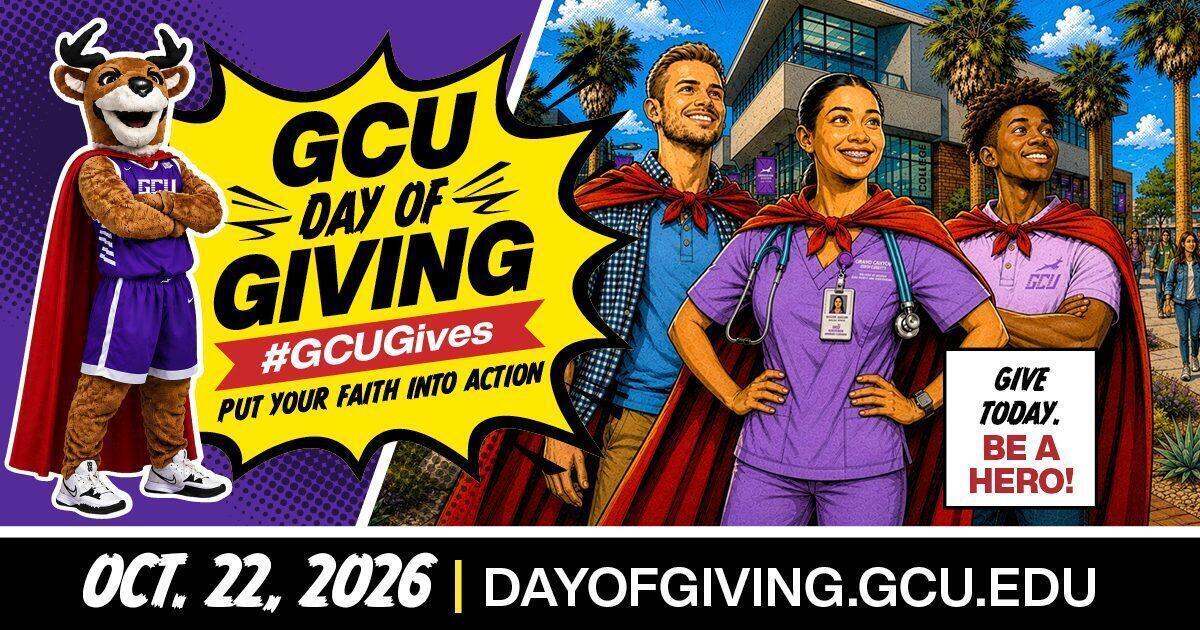
Link Post (Facebook, LinkedIn, X)
1200 × 630 px
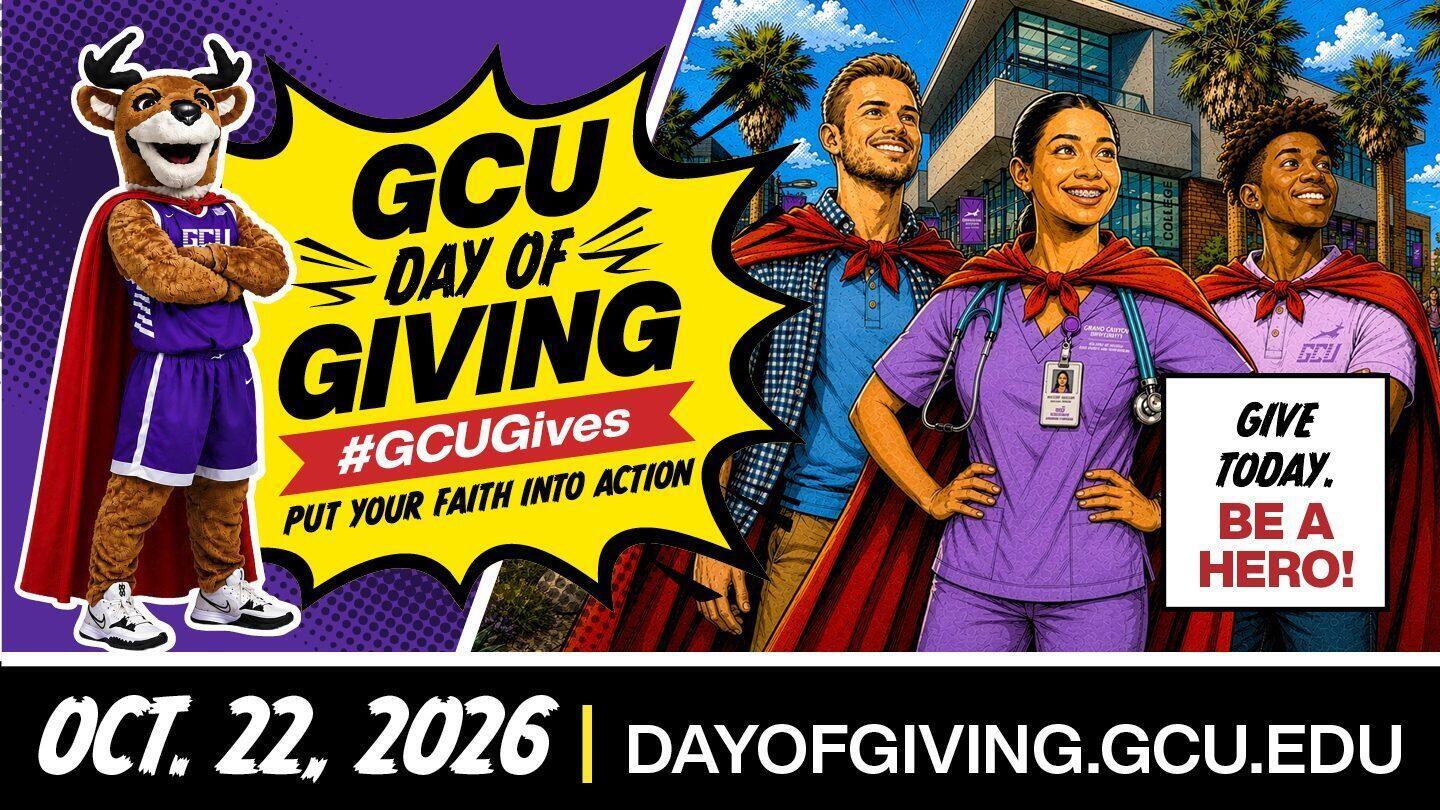
Widescreen Post
1440 × 810 px
Best for: Microsoft Teams, Zoom and Google Meet calls on Oct. 22, or any 16:9 screen.
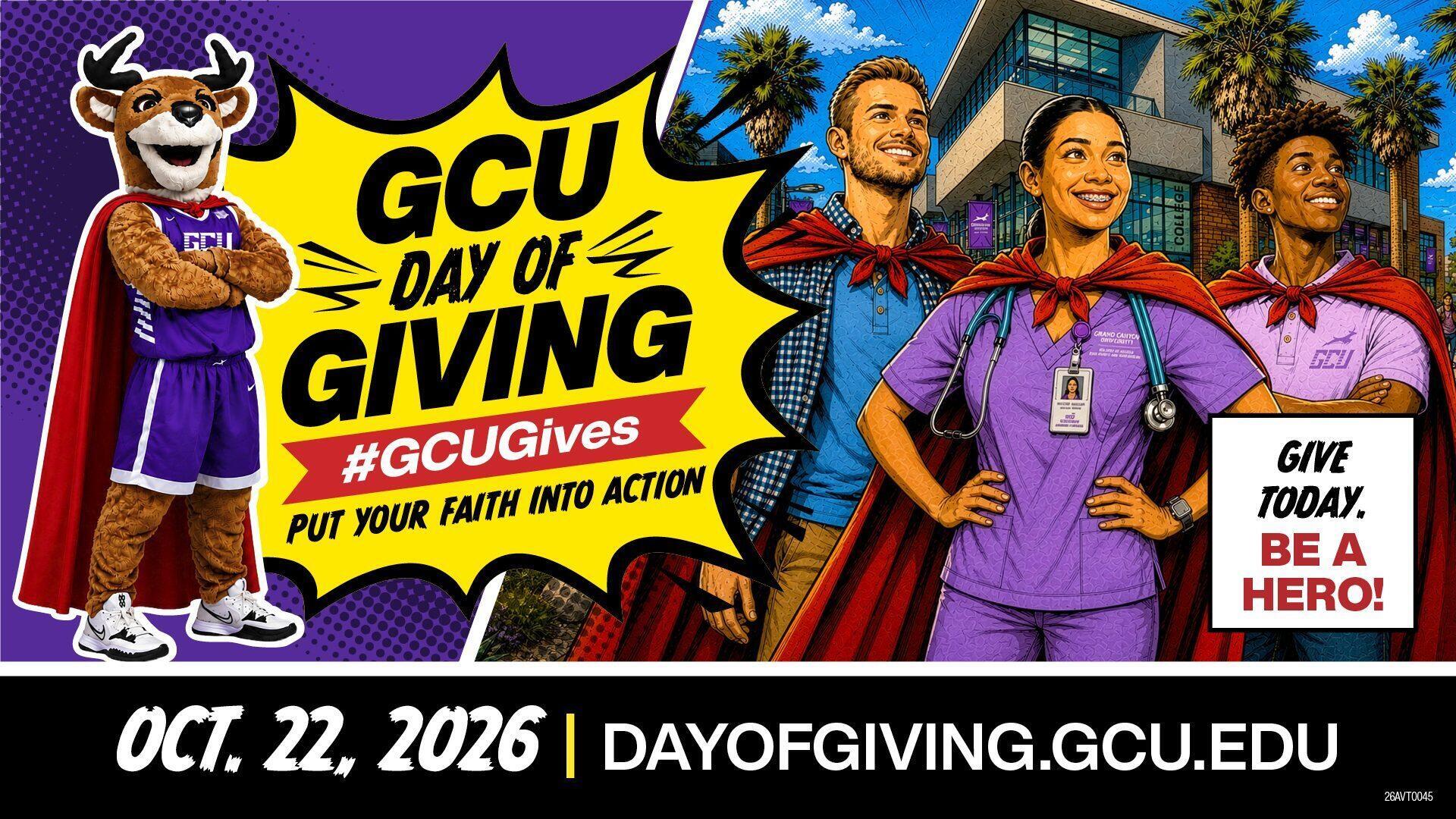
Teams & Zoom Background
1920 × 1080 px
Best for: the top of an email or newsletter you send on Oct. 22.
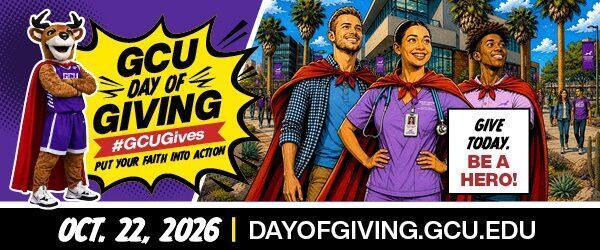
Email Header
600 × 250 px
How to use: these have see-through areas, so you place them on top of your own photo. In Instagram or Facebook Stories, add your photo, then add the overlay as a sticker from your camera roll. You can also layer them in Canva or any photo-editing app.
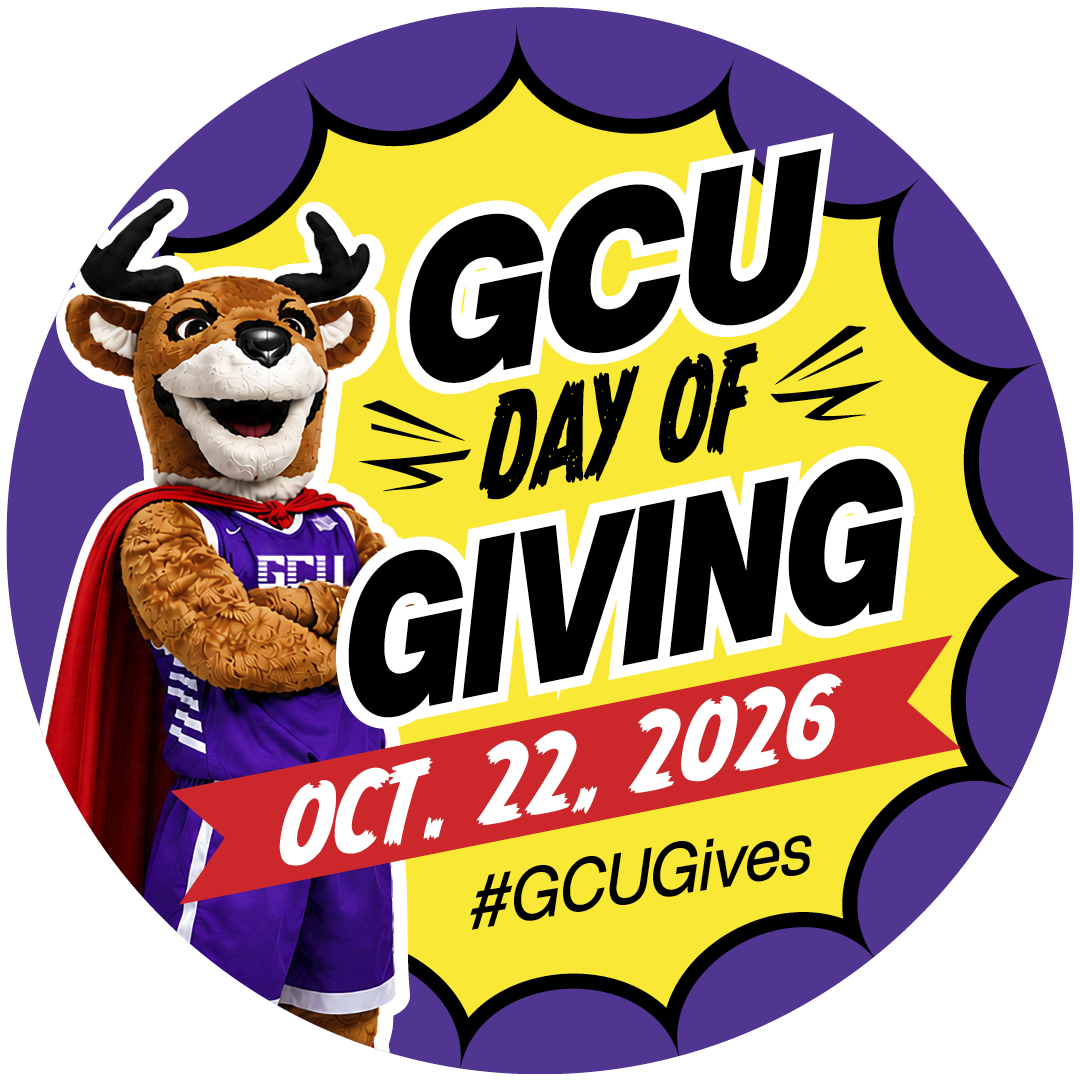
Round Sticker
1080 × 1080 px, transparent PNG
Add as a sticker on a Story or drop it onto any photo.

Square Photo Overlay
1080 × 1080 px, transparent PNG
Layer over a square photo for an Instagram or Facebook post.
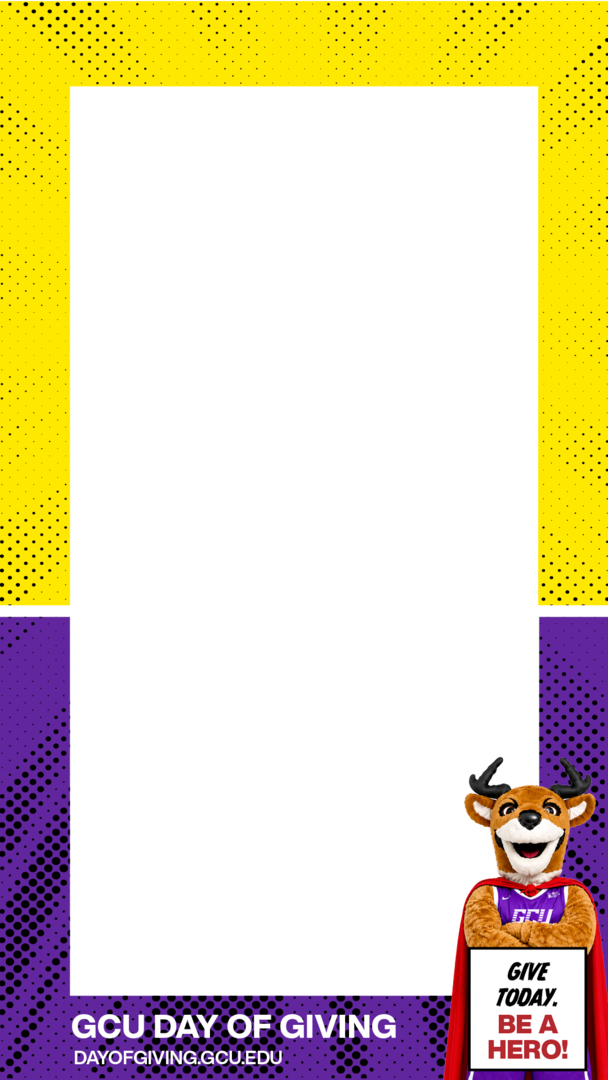
Story Frame
1080 × 1920 px, transparent PNG
Frame a vertical photo or selfie for Instagram, Facebook or Snapchat Stories.
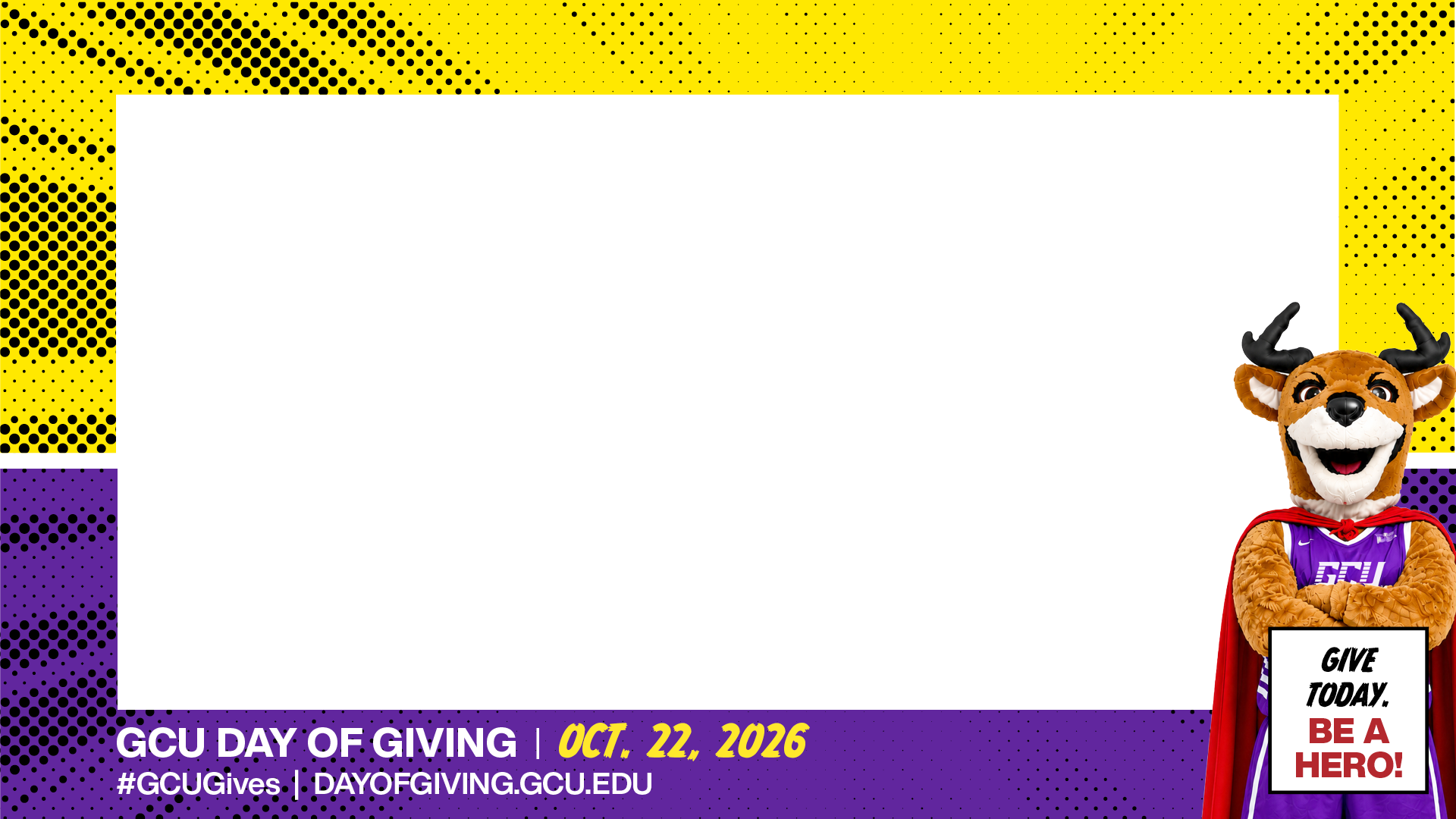
Landscape Frame
1920 × 1080 px, transparent PNG
Frame a wide photo for Facebook, LinkedIn or X.
Post with #GCUGives and always include your personal ambassador link so your gifts are counted toward your total.